
Planner - Production Planning with ease
Your go-to online work scheduling tool tailor-made for production planners. It seamlessly merges resource and order planning with real-time machine tracking, offering a unified ecosystem where your plans meet the reality of the shop floor.
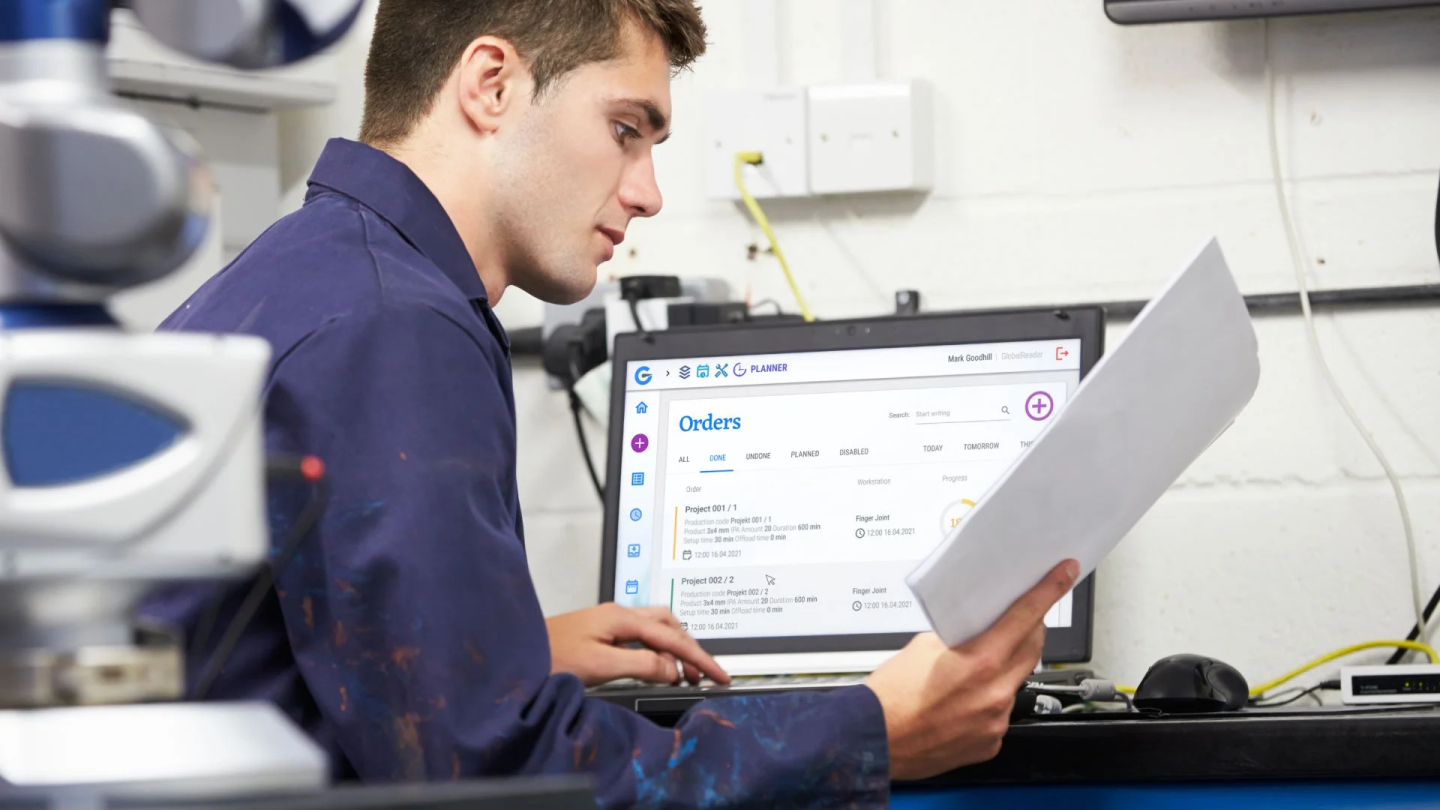
Easily manage production planning
GlobalReader Planner is your ultimate online work scheduling tool, designed specifically for production planners. This innovative feature blends resource and order planning with real-time machine tracking, creating a unified ecosystem where plans meet reality head-on.
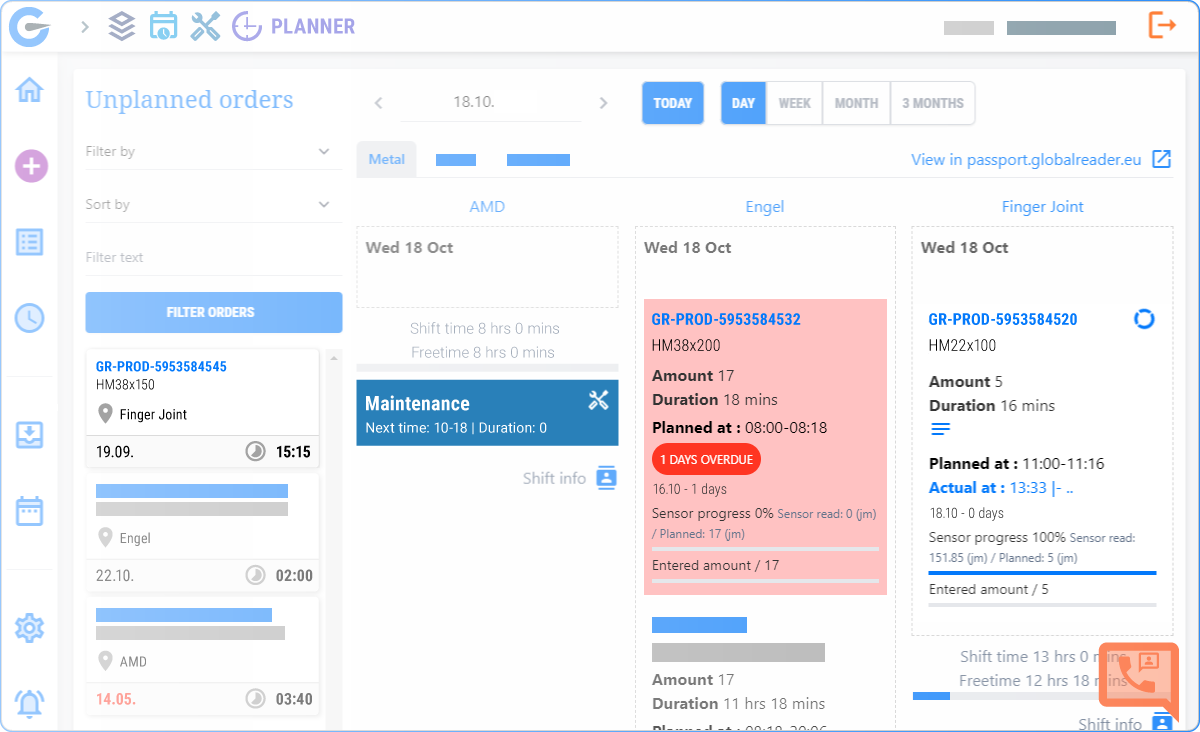
Simplified Workflow
With easy order addition, workstation assignment, and real-time monitoring, GlobalReader Planner simplifies the production planning process, reducing complexity and improving overall workflow..
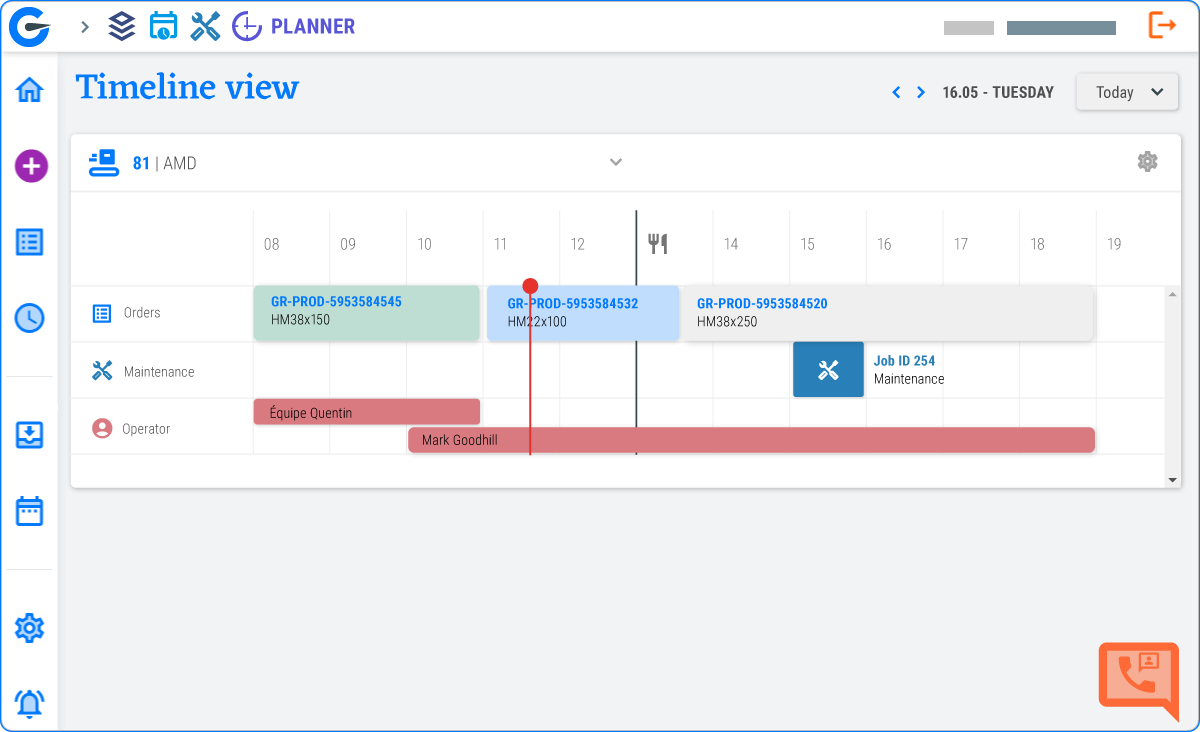

Cost Reduction
By minimising production delays and resource wastage, manufacturers can reduce operational costs and increase profitability.

Real-Time Progress Monitoring
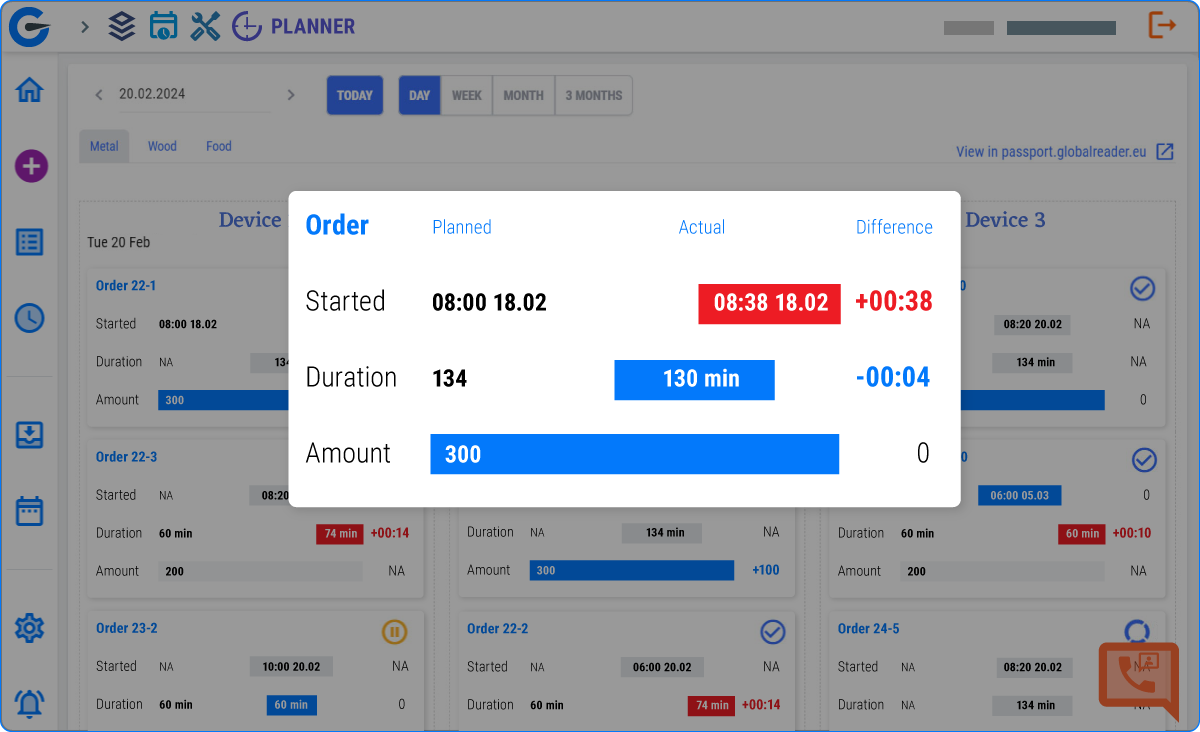
Monitor the progress of production plans in real time, receiving status updates on order production. This feature allows for quick responses to any deviations from the plan.

Efficient Work Allocation
Optimise works and schedules on the machines, this ensures that tasks are efficiently allocated, which reduces idle time and maximises resource utilisation.
Planner Overview

From Chaos to Clarity with Planner
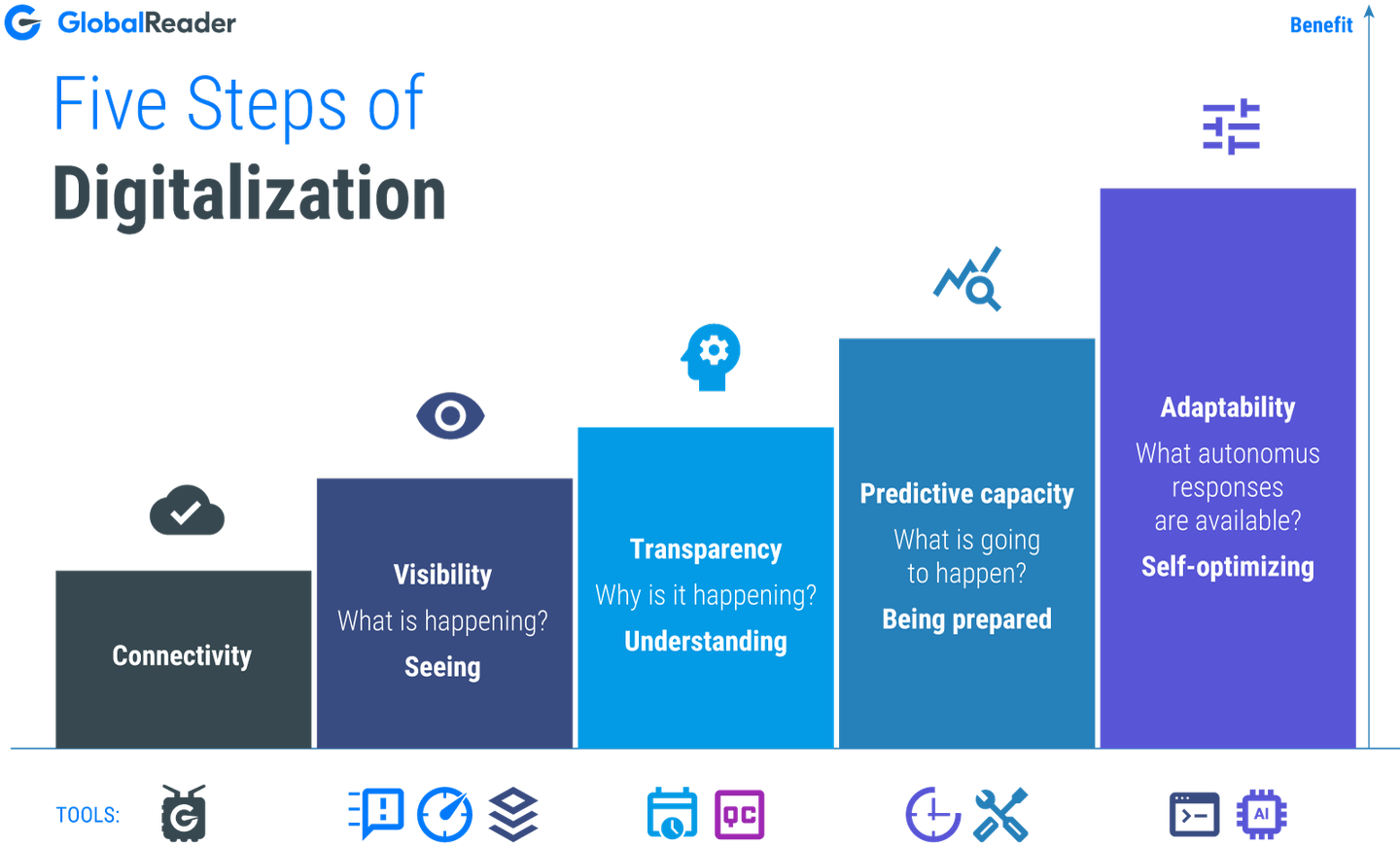
We inspire industry leaders to collect data around their production resources:
- to increase efficiency
- to increase collaboration
- to keep them ahead of their competitors
GlobalReader HARDWARE

Retrofit Hardware to any machine for data collection. Standard measurements:
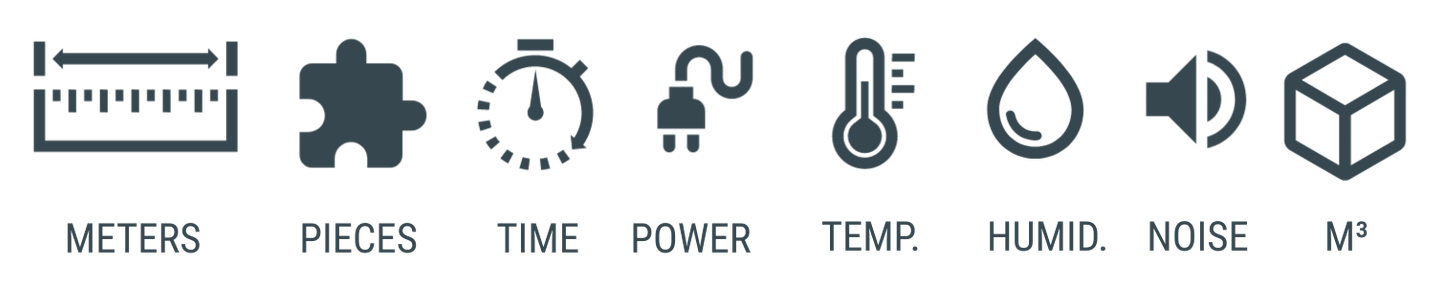
> 3 data collection ports
> M12 connectors enable analog and digital readings
> Connected to cloud over WiFi, LTE or ETH
> Standard RS port for machine controller connection
> Data in 10 second intervals every 30 seconds sent to cloud
> Backup data for 30 days (if connection lost)
> DIY set-up
Anything else, just ask!
GlobalReader SOFTWARE

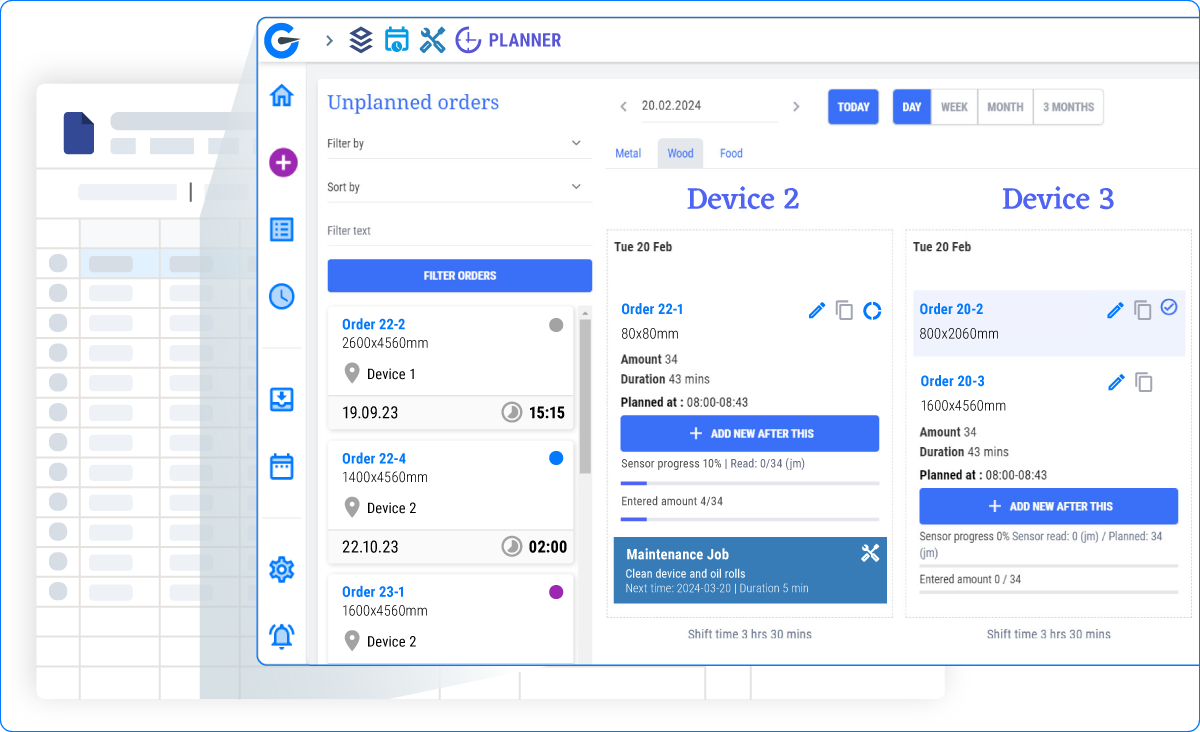
Transition from Excel/Sheets to Visual Planning

Smooth Transition:
Move from cluttered Excel/Sheets to a clear, visual planning board

Instant Overview:
Gain a comprehensive view of all orders and their statuses at a glance

Better Organisation:
Organise and prioritise tasks with ease, improving workflow clarity
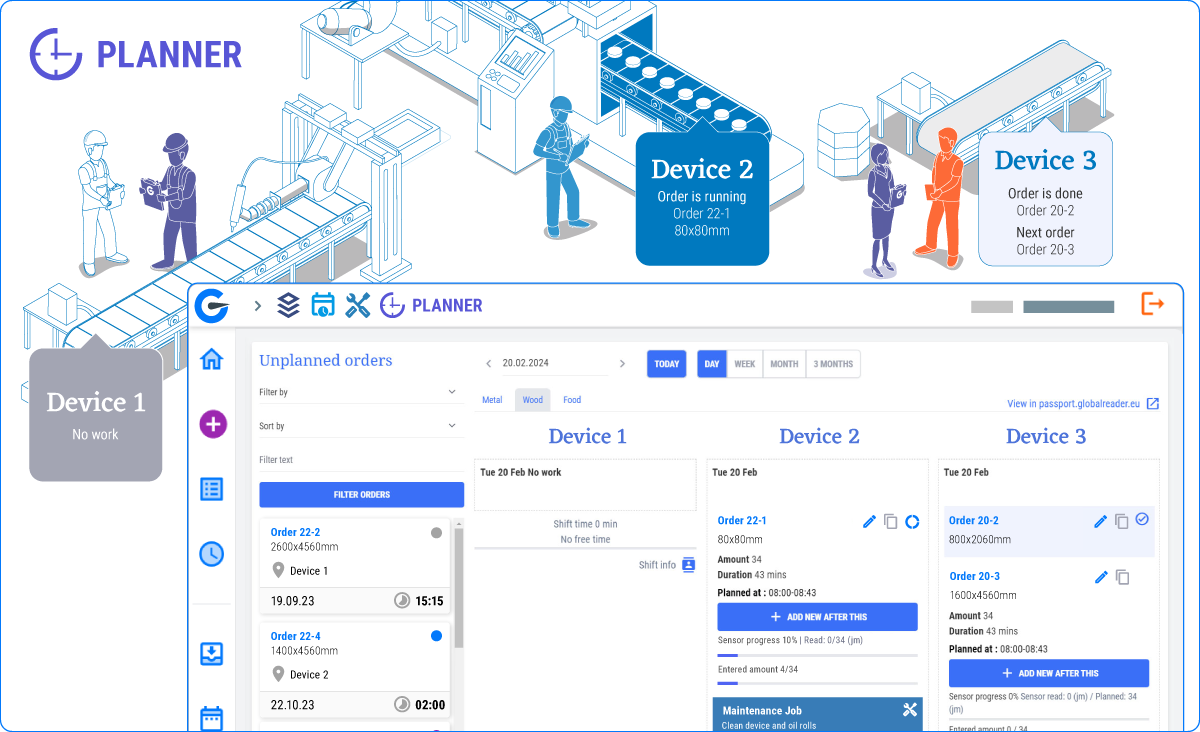
Real-time Adjustments for Dynamic Manufacturing

Flexible Scheduling:
Easily rearrange orders across machines with drag-and-drop

Minimise Downtime:
Prioritise tasks for today, tomorrow, and beyond for optimal resource allocation

Optimise Machine Use:
Minimise production interruptions with strategic maintenance planning
Increase Collaboration

Centralised Platform:
Share real-time plans with Operator, ensuring paperless factory

Clear Communication:
Reduce misunderstandings and streamline operations with centralised information

Empower Employees:
Give your team the tools to know what's most important - Prioritise orders for Operators
Smarter Planning with Real-Time and feedback

Data-Driven Decisions:
Compare planned vs. actual times to refine future planning accuracy

Continuous Improvement:
Use insights to give more exact timelines to customers and save money

Reduce Waste:
Identify inefficiencies in planning to minimise wasted resources and time

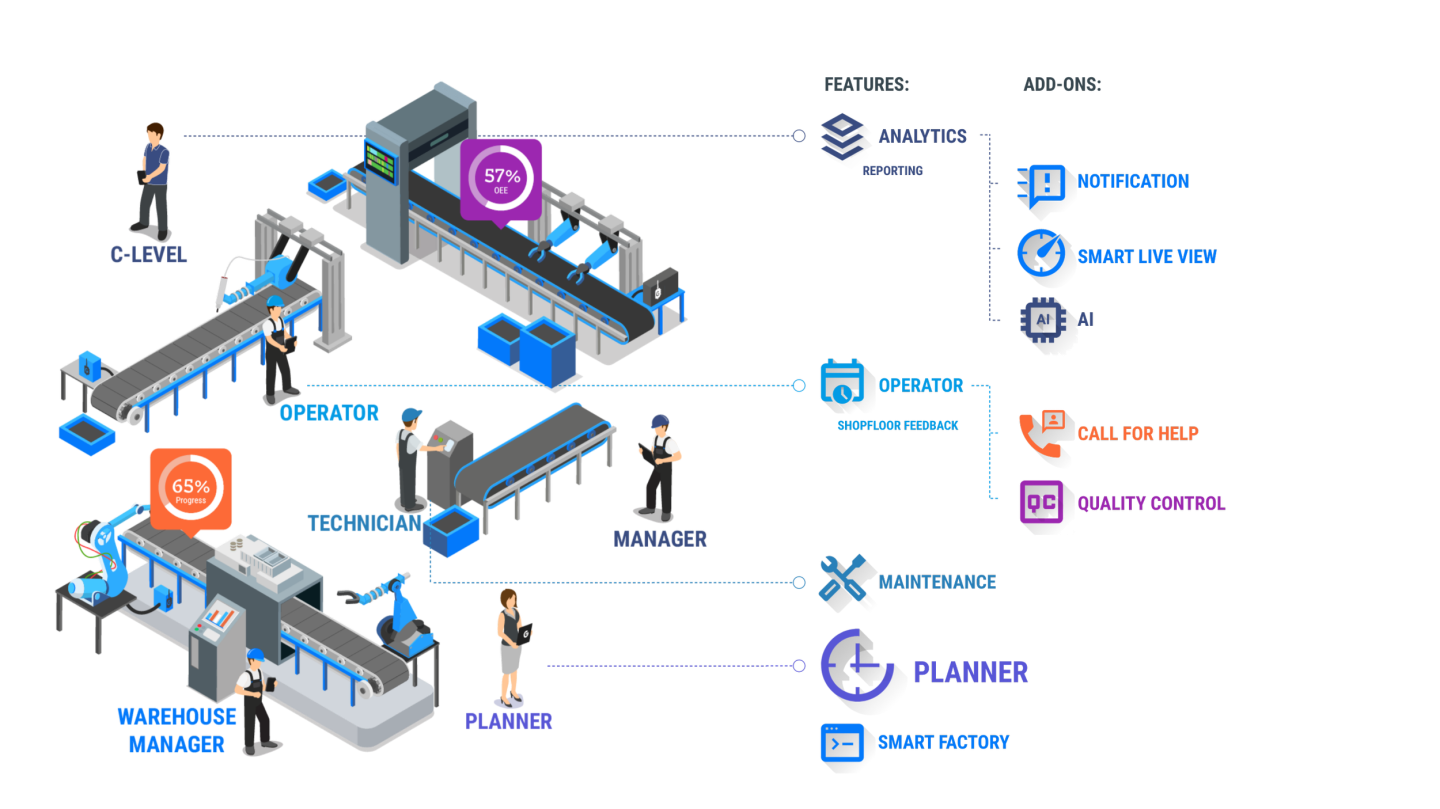
Boost efficiency by using factory Planner alongside other features

Complete Process Control
Analytics
Complete control over manufacturing processes. From detecting potential issues with Analytics to taking proactive measures with Maintenance, entire production cycle becomes more efficient and reliable.

Downtime Reduction
Operator
If a technical downtime is detected, technicians are instantly aware. Maintenance feature allows the technical team to address these issues within minutes.

Planning and Execution
Maintenance
By sharing data, Planner and Maintenance enable manufacturers to incorporate maintenance tasks into their production schedules minimising downtime and disruptions.
Common Queries
How does GlobalReader Planner reduce operational costs?
GlobalReader Planner minimises production delays and resource wastage, ultimately leading to a reduction in operational costs. By optimising production planning, it helps manufacturers achieve a more efficient workflow, translating to increased profitability.
What is the benefit of real-time status updates in GlobalReader Planner?
Real-time status updates in GlobalReader Planner provide production planners with invaluable insights. These updates allow you to stay informed about order progress, helping you make prompt decisions to ensure your production stays on track.
How does GlobalReader Planner enhance collaboration in manufacturing operations?
GlobalReader Planner works in harmony with Operator, Maintenance and Analytics, fostering collaboration between production planners, operators, and analysts. This synergy leads to a more cohesive and efficient manufacturing operation.